Animation case studies
Complex information, explained through animation.
Six projects where animation was used to make difficult information easier to follow — clinical guidance, commercial services, device instructions, digital products and site safety. Each one began with the same question: what does this audience actually need to understand?
- Format
- 2D animated explainer
- Length
- Approx. 90 seconds
- Deliverables
- Script, storyboard, animation, captions
01 · Healthcare
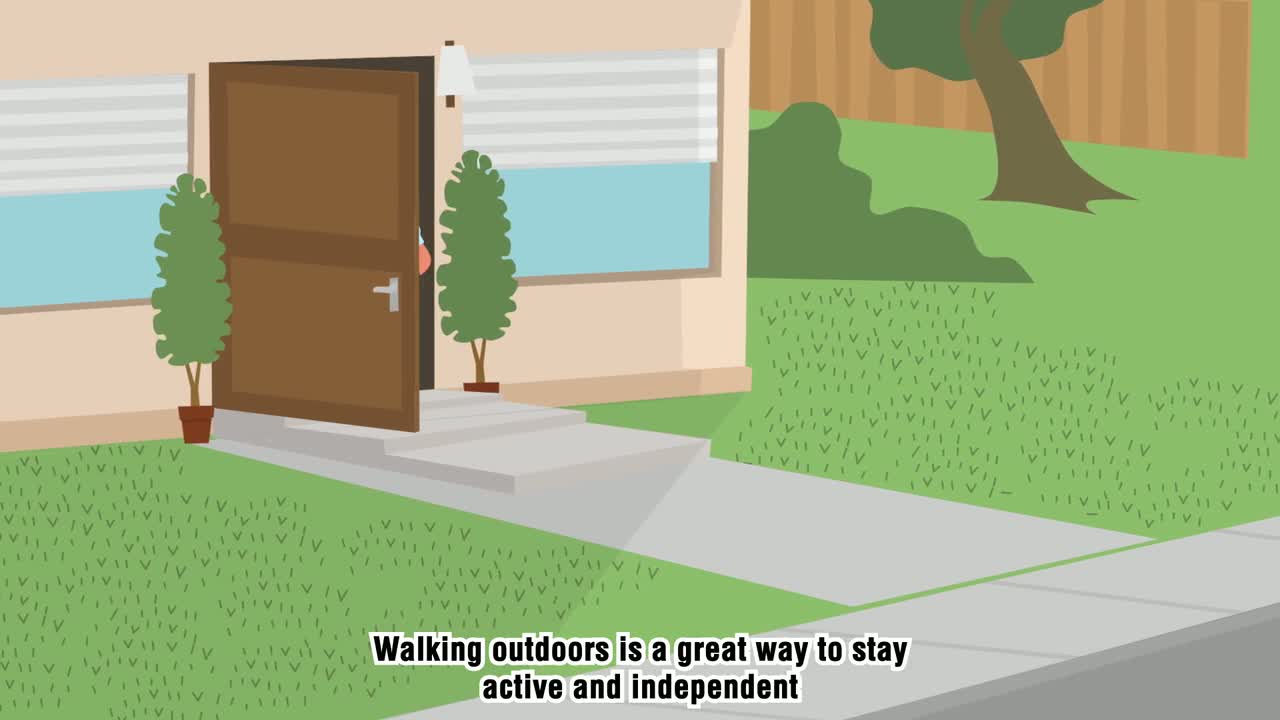
Making falls prevention advice easy to act on
A short animated explainer that turns clinical falls prevention guidance into simple, practical steps for older adults and their families.
The challenge
The original guidance existed as a detailed written leaflet. It contained the right information, but the length and clinical tone made it difficult for older adults and carers to absorb quickly.
The solution
We reduced the guidance to a small number of clear messages, wrote a plain-language script, and used calm 2D animation with a steady pace, large type and a warm palette so the advice felt approachable rather than alarming.
The outcome
- One short video replaced several pages of written guidance
- Used in clinic waiting areas and shared through digital channels
- Captions and voiceover support different viewing situations
- Format
- Animated video suite
- Audience
- Patients, families, clinicians
- Deliverables
- Scripts, illustration, animation
02 · Healthcare / rare disease
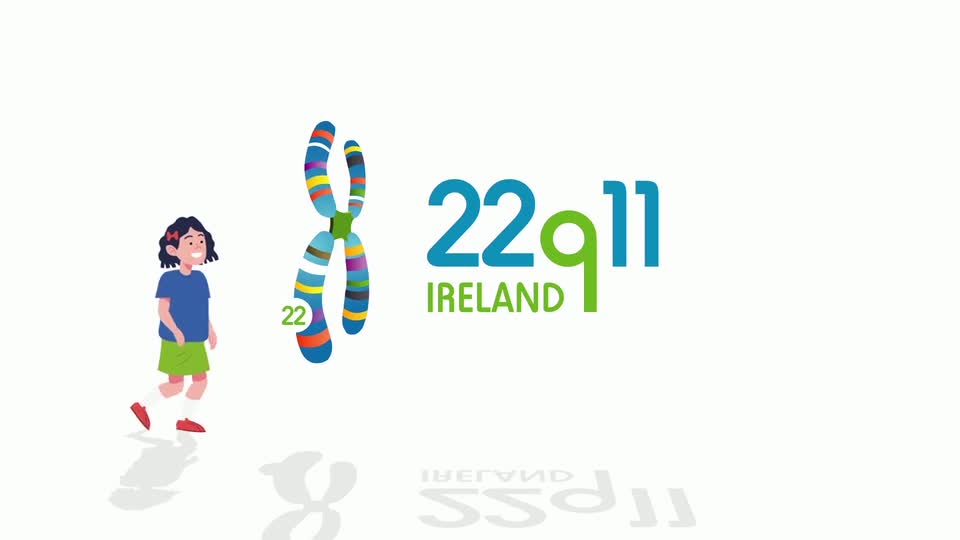
A video information suite for a rare condition
Animation used to explain a complex genetic condition to patients, families and health professionals in consistent, accessible language.
The challenge
Information about the condition was scattered across clinical documents written for very different audiences, which made consistent communication difficult.
The solution
We worked with clinical leads to build a single narrative, then produced a suite of animated pieces that share one visual system so each video feels part of the same family.
The outcome
- A consistent explanation used across services
- Complex clinical detail presented without jargon
- Recognised in national healthcare awards
- Format
- 2D animated explainer
- Audience
- Homeowners and property managers
- Deliverables
- Script, storyboard, animation
03 · Commercial services
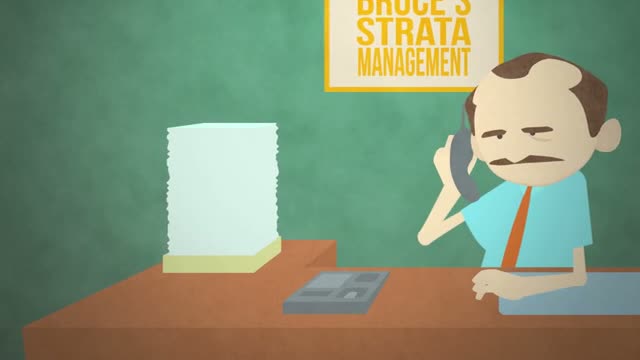
Explaining a gardening service in under two minutes
An animated introduction to a landscape gardening company that maintains the gardens of private homes and managed properties, designed to win new customers and explain the service simply.
The challenge
The company offers its services to both the public and to property management companies responsible for shared gardens. Explaining the range of work, who it is for and how to get started was proving difficult in text and brochure form.
The solution
We structured the story around the customer journey — from first enquiry to a well-maintained garden — using illustrated scenes of the team at work and a fresh, seasonal colour palette that appeals to homeowners and property managers alike.
The outcome
- One asset for the website, sales conversations and social channels
- Clear explanation for both residential customers and management companies
- Reusable scenes for seasonal campaigns and service updates
- Format
- Animated demonstration
- Audience
- Patients and clinical staff
- Deliverables
- Storyboard, animation, captions
04 · Medical device
Step-by-step device instructions, animated
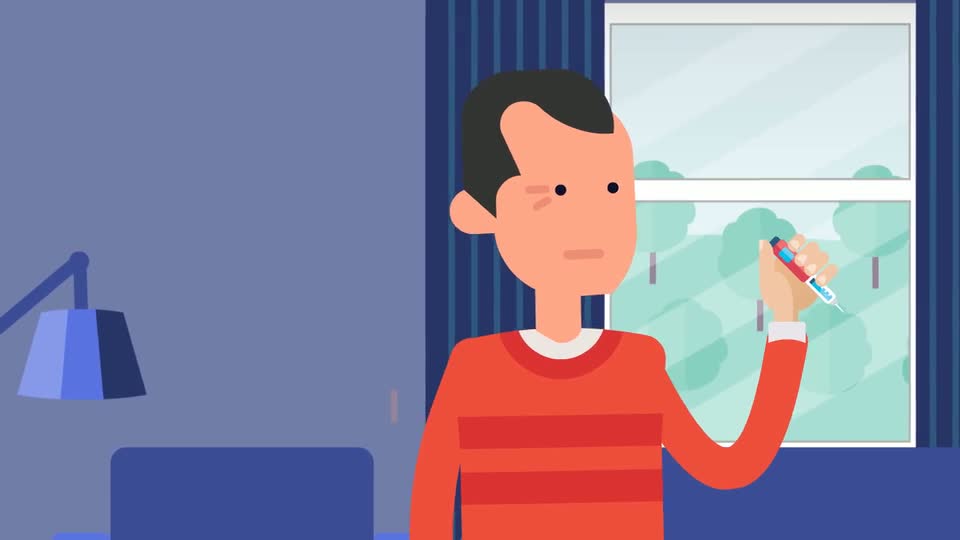
A demonstration video showing correct use of an insulin pen timer, replacing text-heavy instructions for use.
The challenge
Written instructions required careful reading at exactly the moment when patients wanted to be quick and confident.
The solution
We animated each step at device scale, holding on the moments most often misread, with on-screen numbers reinforcing the sequence.
The outcome
- Each step shown in the order it is performed
- No language barrier in the visual sequence
- Suitable for both clinical training and patient use
- Format
- Product explainer
- Length
- Approx. 60 seconds
- Deliverables
- Script, UI animation, sound
05 · Digital product
Introducing a digital product in one clear story
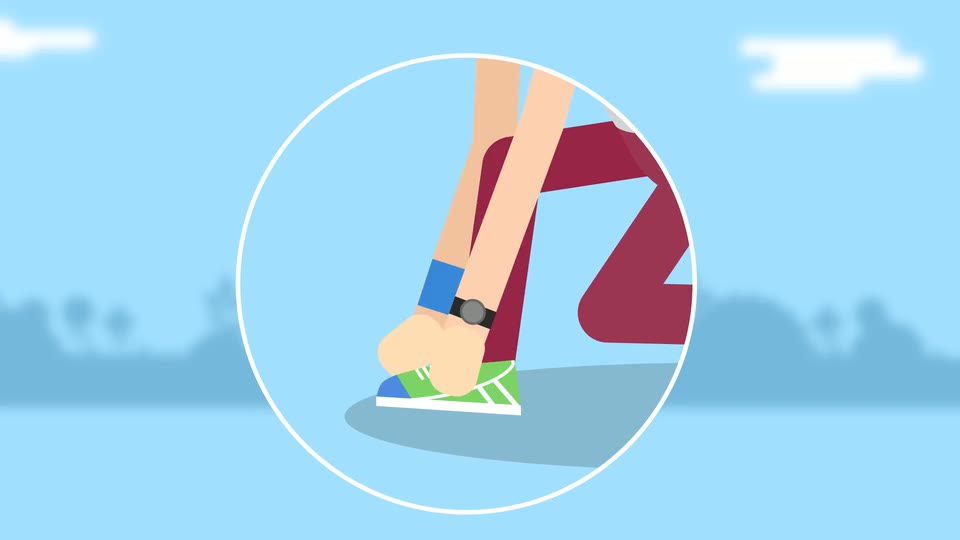
A product explainer that shows what the app does, who it is for and why it helps, without a screen-by-screen walkthrough.
The challenge
Early marketing focused on features. Audiences understood the list but not the benefit or the moment the product fits into.
The solution
We rebuilt the story around a single user with a familiar goal, letting the interface appear only where it supports the narrative.
The outcome
- Benefit-led narrative rather than a feature list
- Used on the landing page and in app stores
- Modular scenes for future feature updates
- Format
- Animated safety briefing
- Audience
- Site teams and contractors
- Deliverables
- Script, animation, captions
06 · Construction
Site safety briefings people actually watch
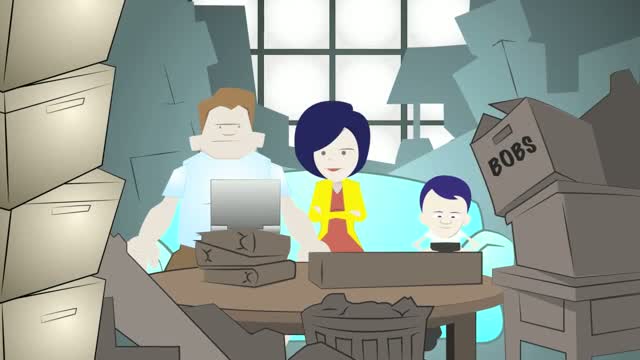
An animated safety briefing that communicates site procedures clearly to a workforce with mixed languages and literacy levels.
The challenge
Safety documentation was long, text-based and inconsistently understood across a multilingual workforce.
The solution
We prioritised visual demonstration over narration, using strong colour coding for hazards and repeating a simple visual grammar throughout.
The outcome
- Consistent briefing delivered across sites
- Understood with or without sound
- Straightforward to update as procedures change
How we work
A consistent approach behind every project.
01
Understand the information
We read the source material first — reports, research, procedures or product documentation — and identify what the audience genuinely needs to know.
02
Write the story
A short, plain-language script gives the video its structure. Everything visual follows from the narrative, not the other way round.
03
Design the visual system
Illustration style, palette and typography are built around the organisation's brand so the finished video sits comfortably alongside other materials.
04
Animate and deliver
We animate, add voiceover, sound and captions, then deliver formats sized for web, social, presentations and screens.
“I developed a Communication Passport and Video Information Suite for individuals with rare disease, partnering with Pixelo, whose responsiveness and collaboration ensured it met patient needs. The project received international recognition and was highly commended in the HSE Excellence Awards.”
Have something complex to explain?
Tell us what you need to communicate and who needs to understand it. We will come back with a clear recommendation on format, length and approach.